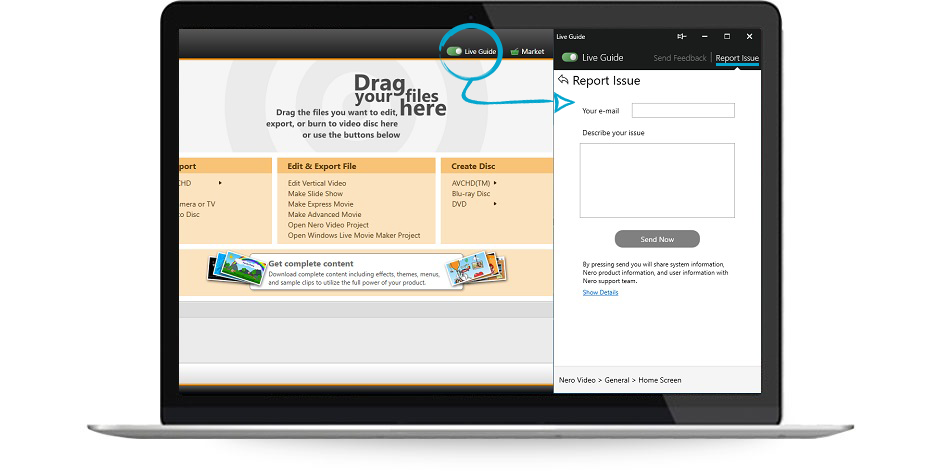
1. Access your Nero Account (https://login.nero.com/oauth/profile/subscriptions-and-plans/desktop-products) and find your order.
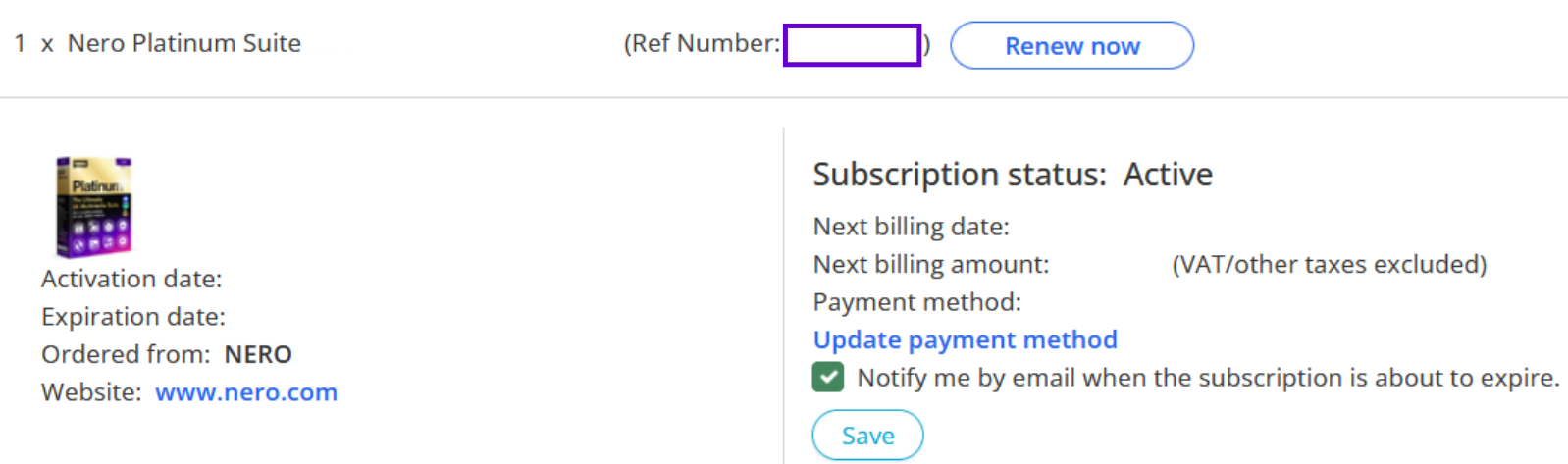
2. click on the Ref Number.
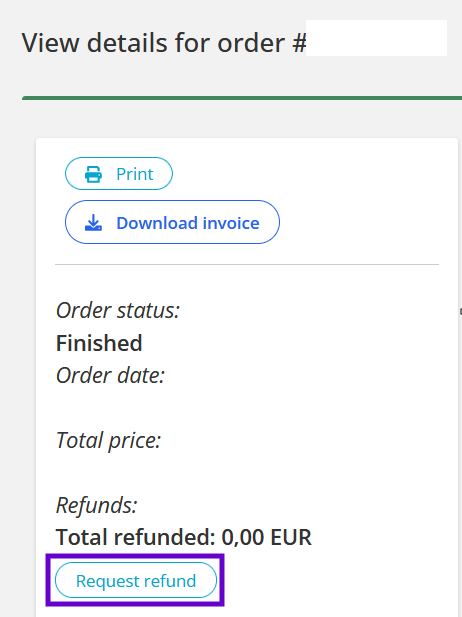
3. In the left sidebar, click button of the Request refund.
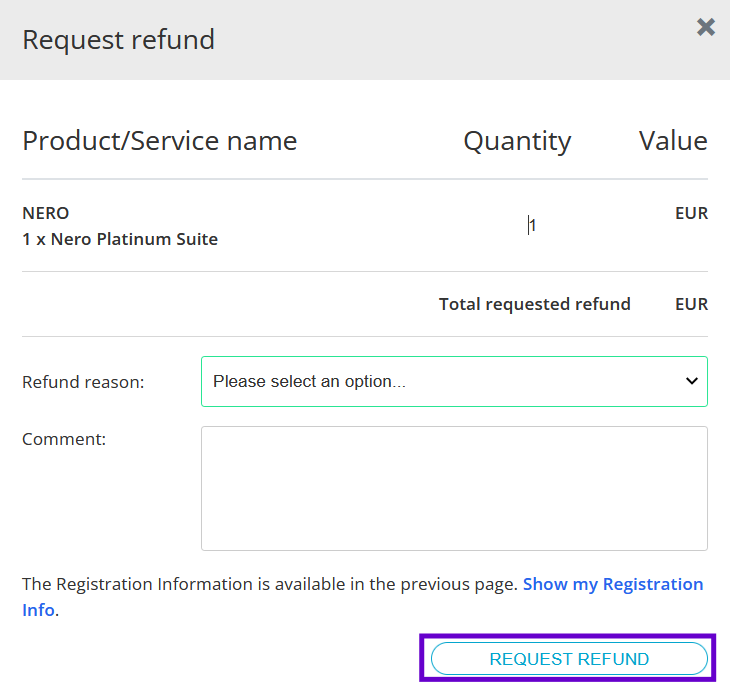
4. Select the refund reason and enter a comment, click the REQUEST REFUND button to submit your request.
5. For more information, please visit How long does the refund process take.
Note:Nero offers a 30-day money-back guarantee. However, this does not apply if monthly AI product subscription credits have already been used. Once your subscription has been activated and Nero Credits have been used, a refund is no longer available.