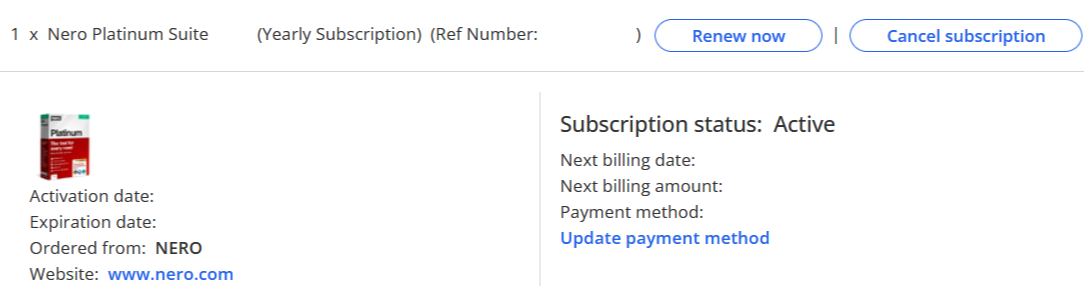
For the quickest access and shortcut, please click here Nero Account(https://login.nero.com/oauth/profile/subscriptions-and-plans/desktop-products).
In general, there are two methods to log in to Nero acount.
Method 1: Access from Nero Start:
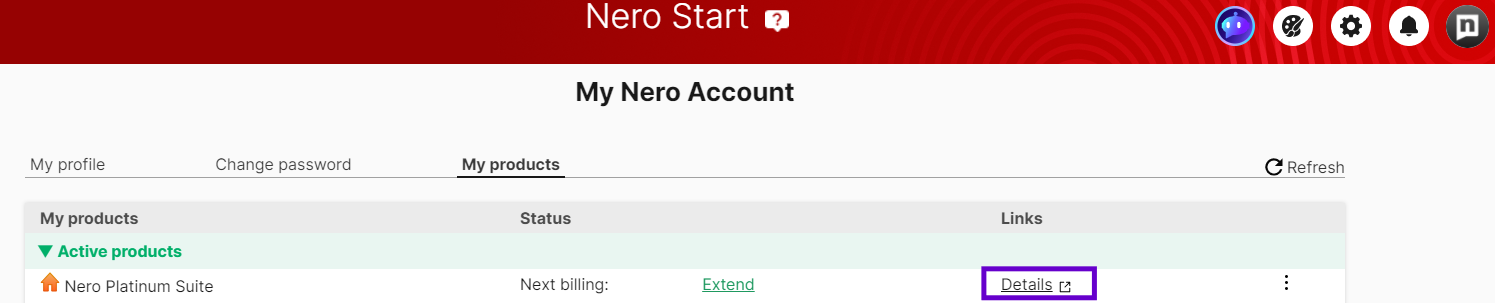
1. Open Nero Start, enter your Registered email address and Password from activation mail.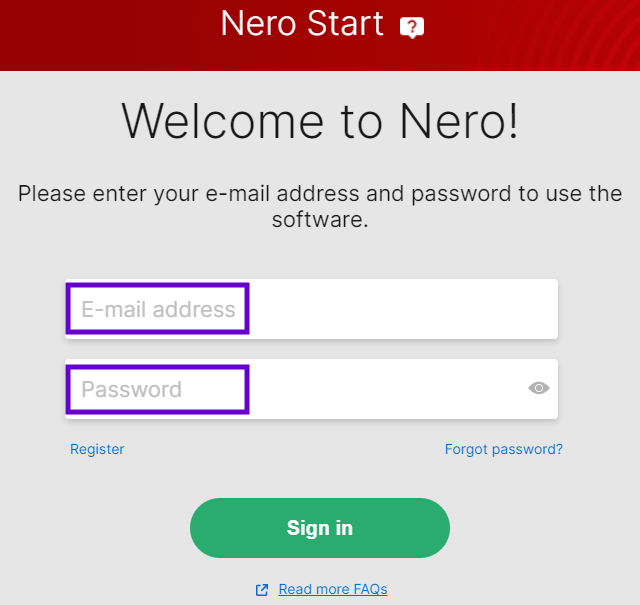
2. Click the Account Settings button in the upper-right corner. 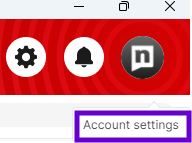
3. Select My products.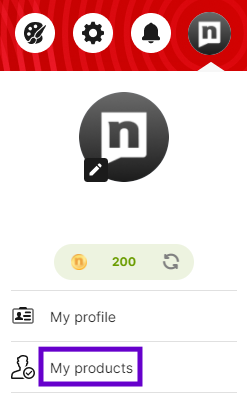
4. Locate your order and select Details.
Method 2: Access from www.nero.com:
1. Click the Sign in button in the upper-right corner. 
2. Enter your Registered email address and Password from activation mail.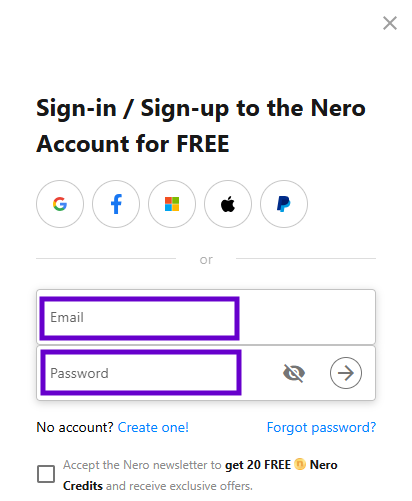
3. Select Subscriptions.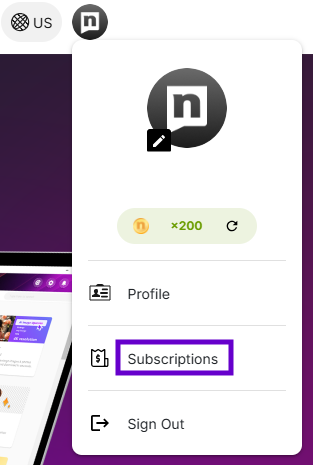
4. Locate your order and click Details.
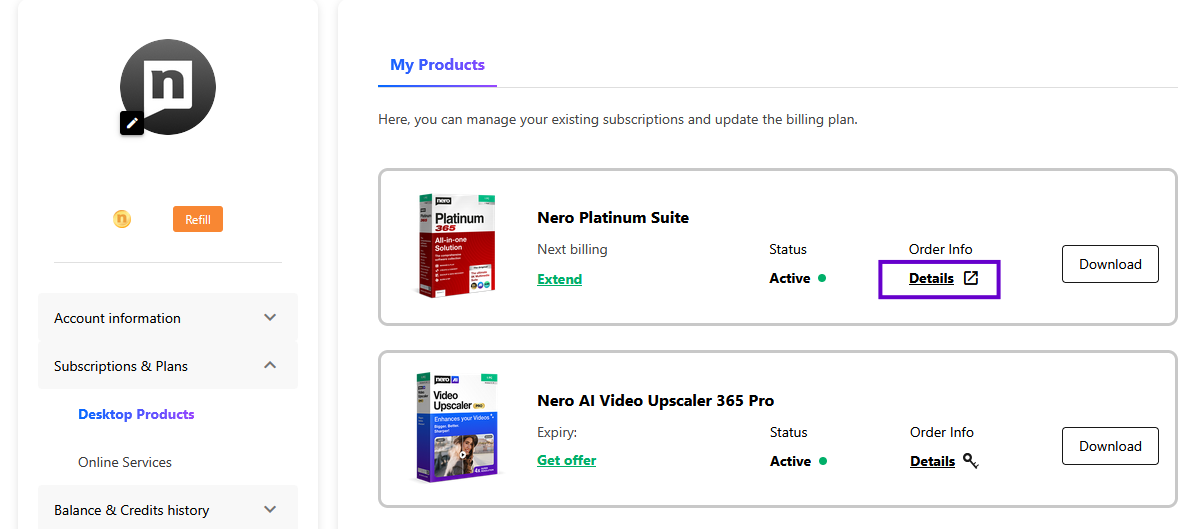
Then you are logged in and can view your order details.