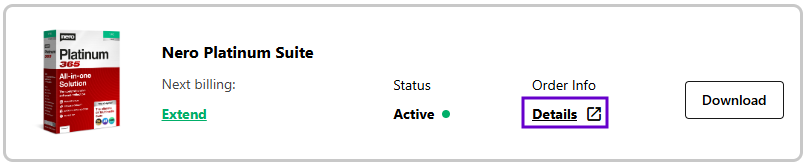
1. Access your Nero Account (https://login.nero.com/oauth/profile/subscriptions-and-plans/desktop-products) and sign in if prompted. Select the subscription and click Details.
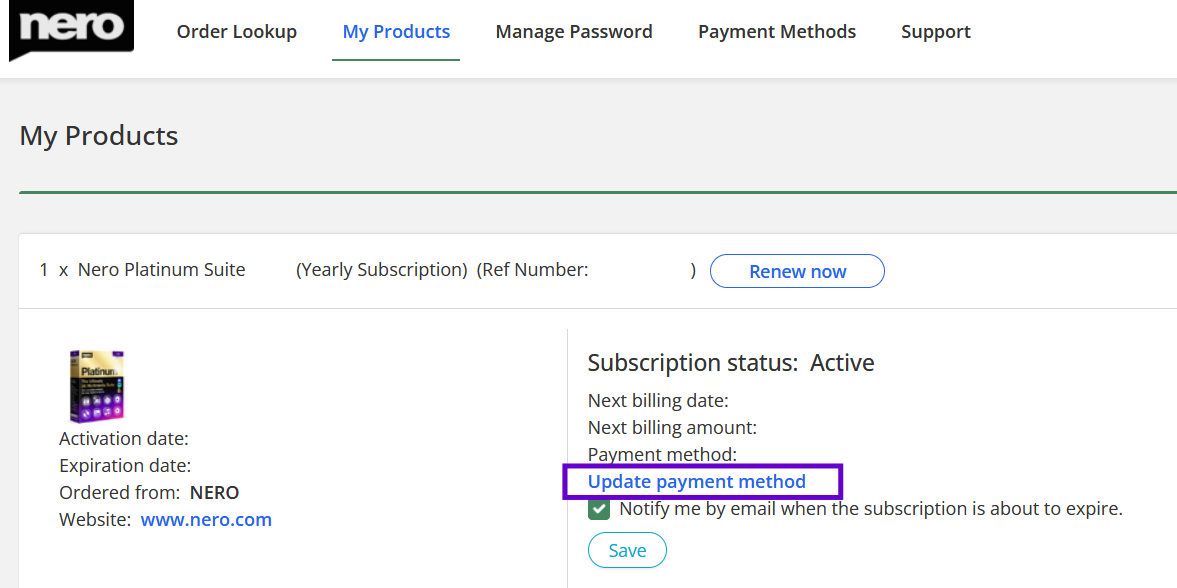
2. Click Update payment method, which is displayed in blue text.
3. Uncheck the checkbox labelled Enable automatic subscription renewal in the pop-up window.
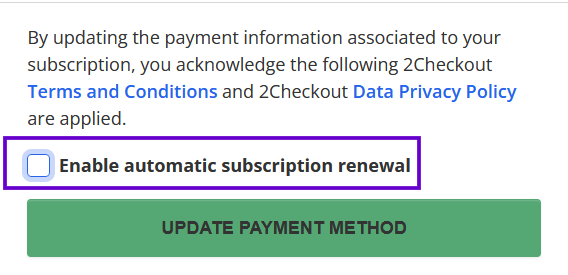
4. click the green UPDATE PAYMENT METHOD button to save the changes.