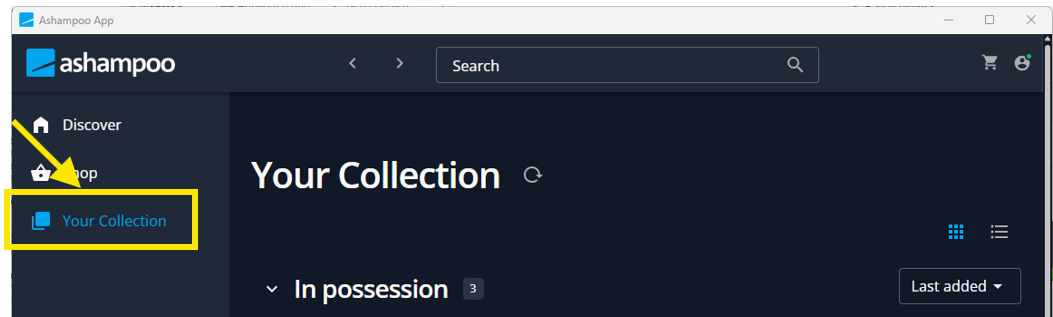
If you have already installed the Ashampoo app and are logged in with your account, skip to step 7.
Please note: Download and install the software using the link below, rather than from the product category on the Ashampoo website. The version of the partner software that was included in your bundle may no longer be the latest version. The license key we provide is valid only for the version specified.
1. Open the Link: Ashampoo® App . Download and install the Ashampoo App.
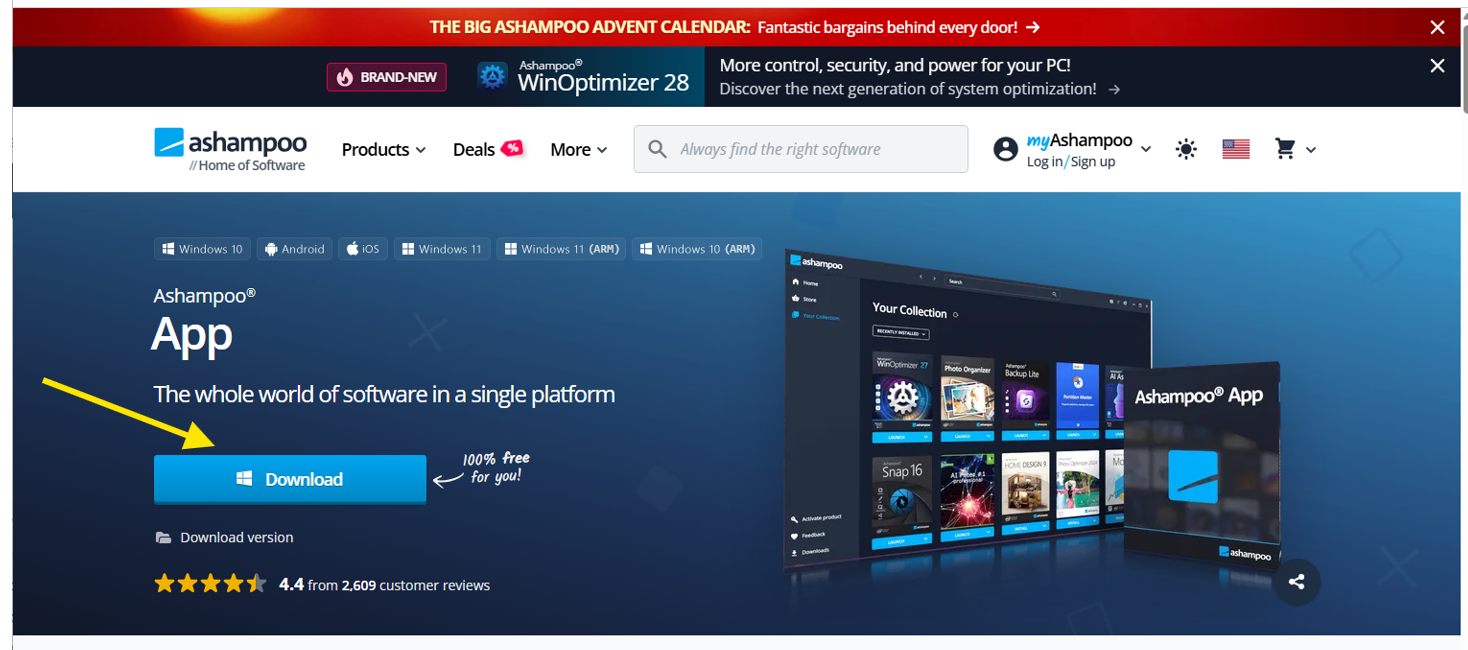
2. After installation, the login window will appear. Please enter your email address to register. 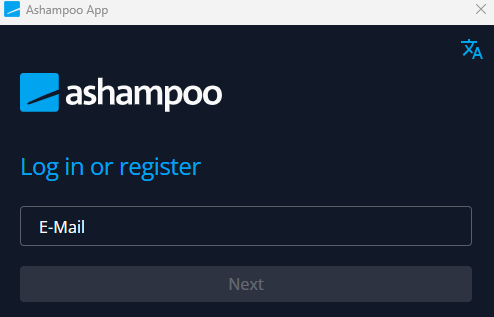
3. You will then be asked to set your password and continue. 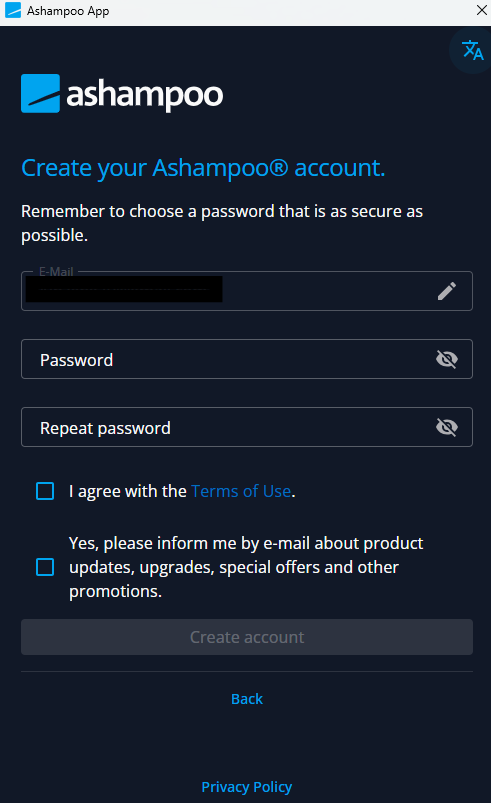
4. You will be asked to enter a login verification code that Ashampoo has just sent to your registered email address. Please note that this is not the product activation key you received with your Nero bundle purchase. 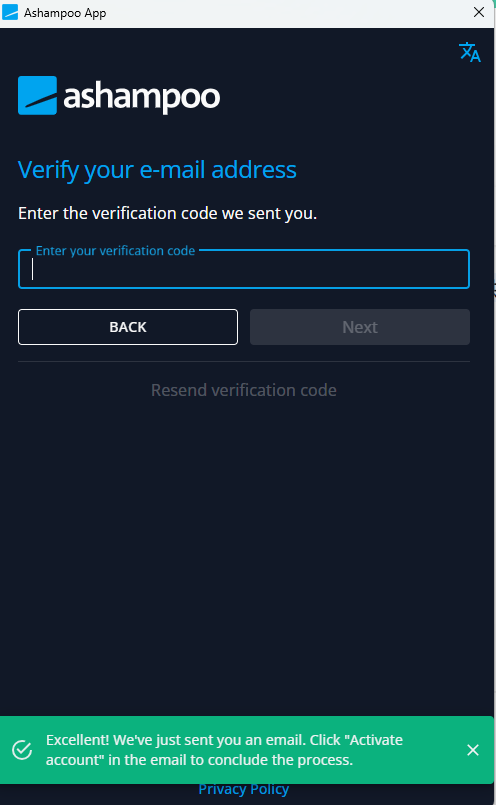
5. Check your email for the one-time verification code.
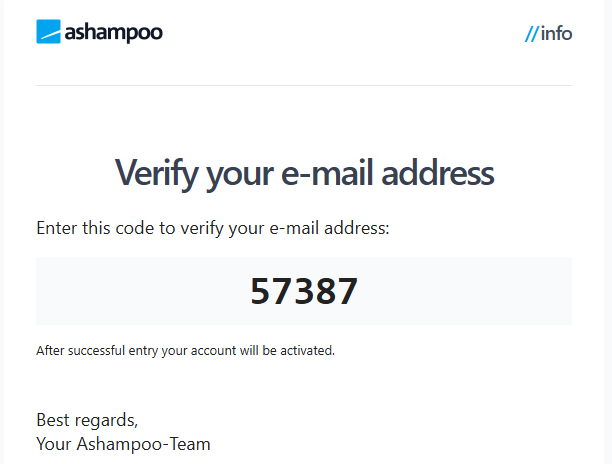
6. After entering the activation code, you will see the Ashampoo launch panel. 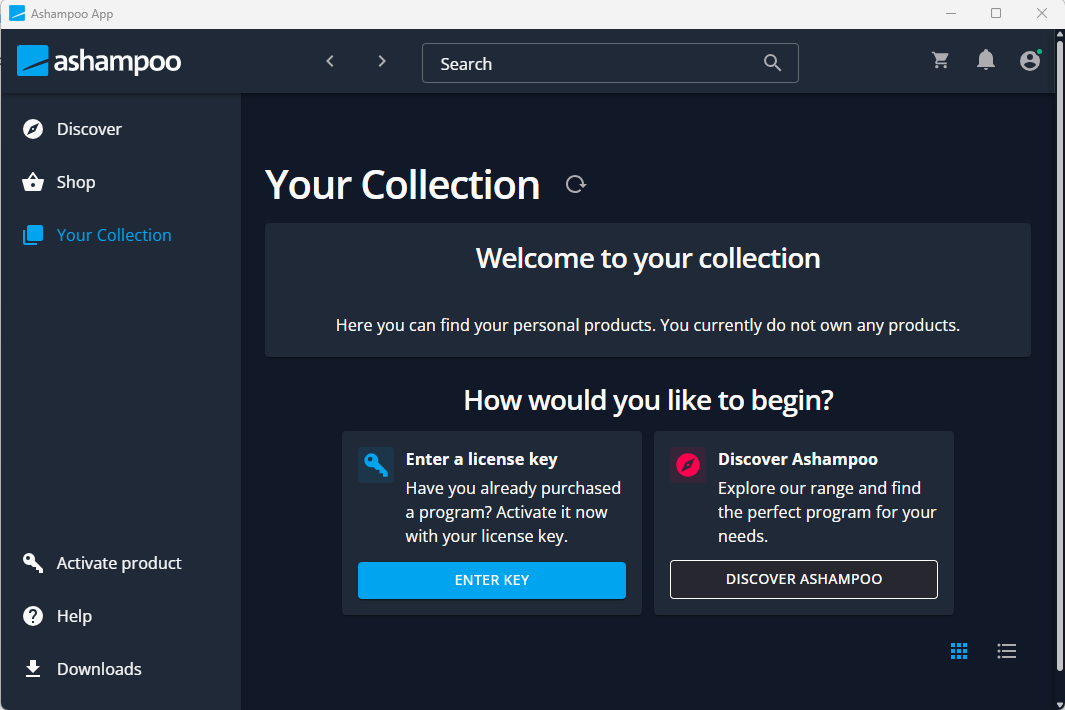
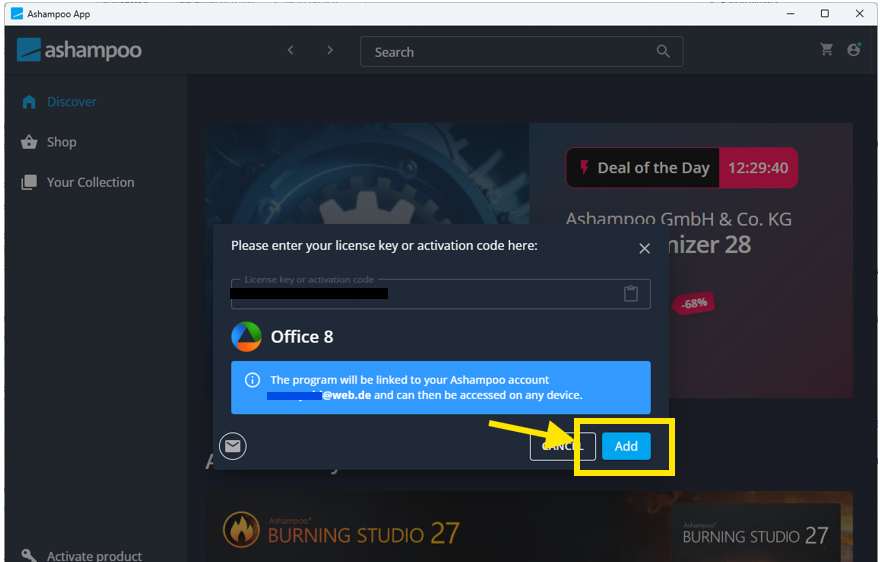
7. Click on "Activate product".
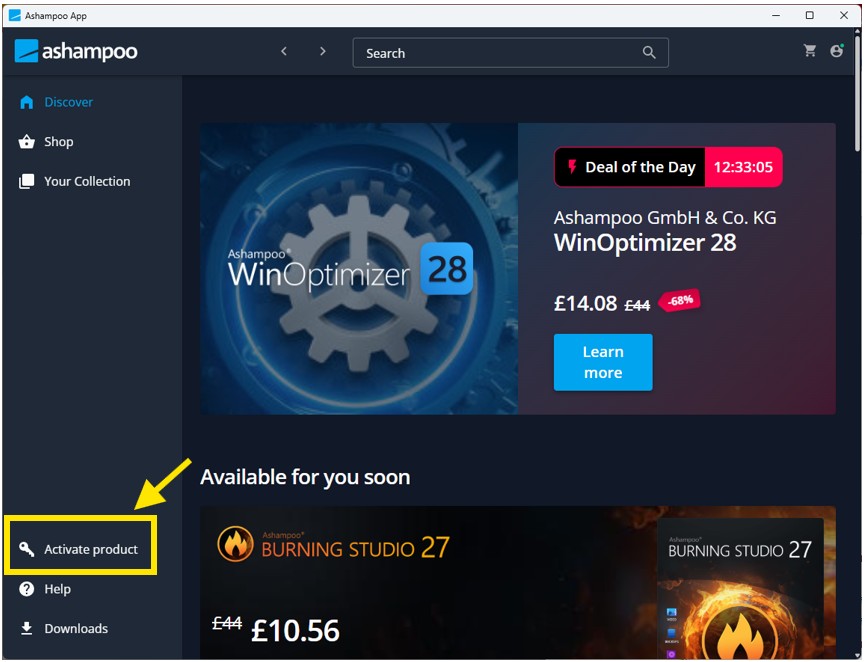
8. Enter the activation key you received after Nero bundle purchase. 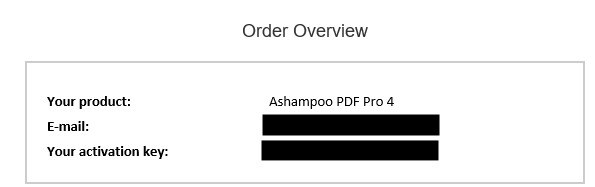

9. Click on Add product.
10. Find your product in "Your collection"