I am creating a video that includes a collection of images. They do not fill the entire video screen, so I need to resize them in Nero Video. Using the "drag corner" handles results in the images ending up slightly different sizes, which looks unattractive during playback. How can I set a consistent size for each image so that they fit the frame height?
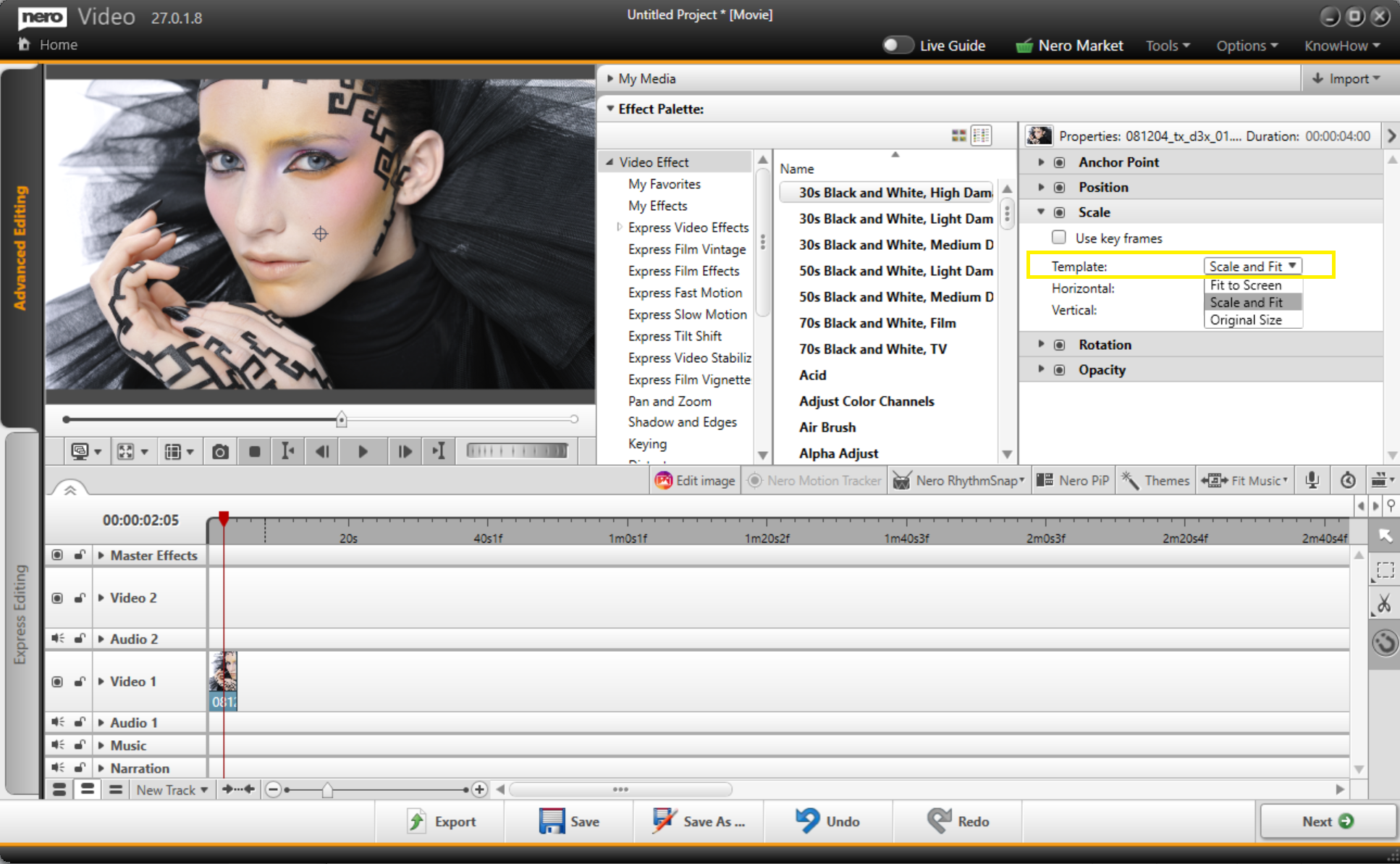
In Advanced editing:
Select the picture, click on "Effect Palette" → "Scale", and change the "Template" option to "Scale and Fit".
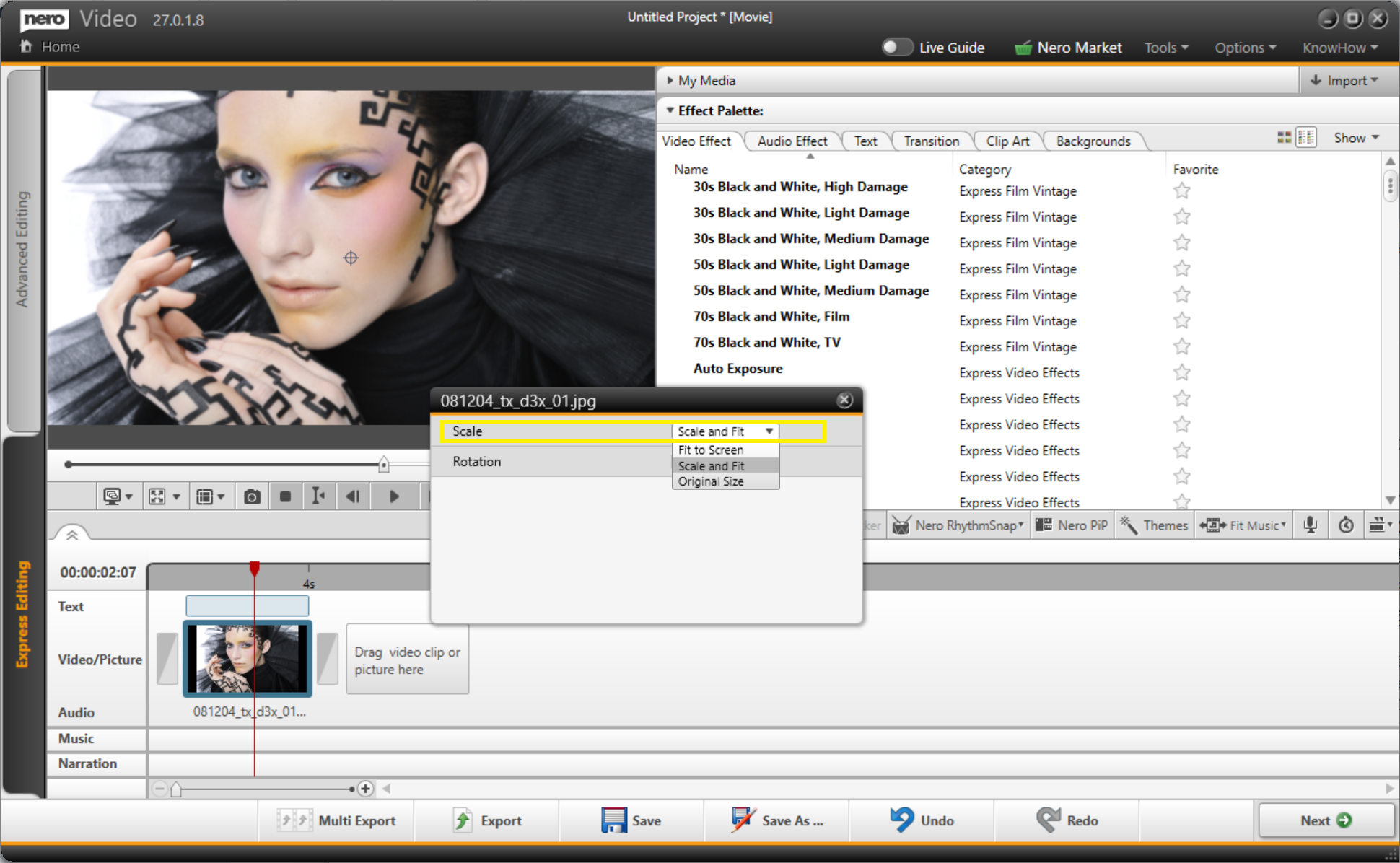
In Express editing:
Select the picture, click the "fx" icon in the upper right corner, and in the dialog that opens, switch the "Scale" option to "Scale and Fit".