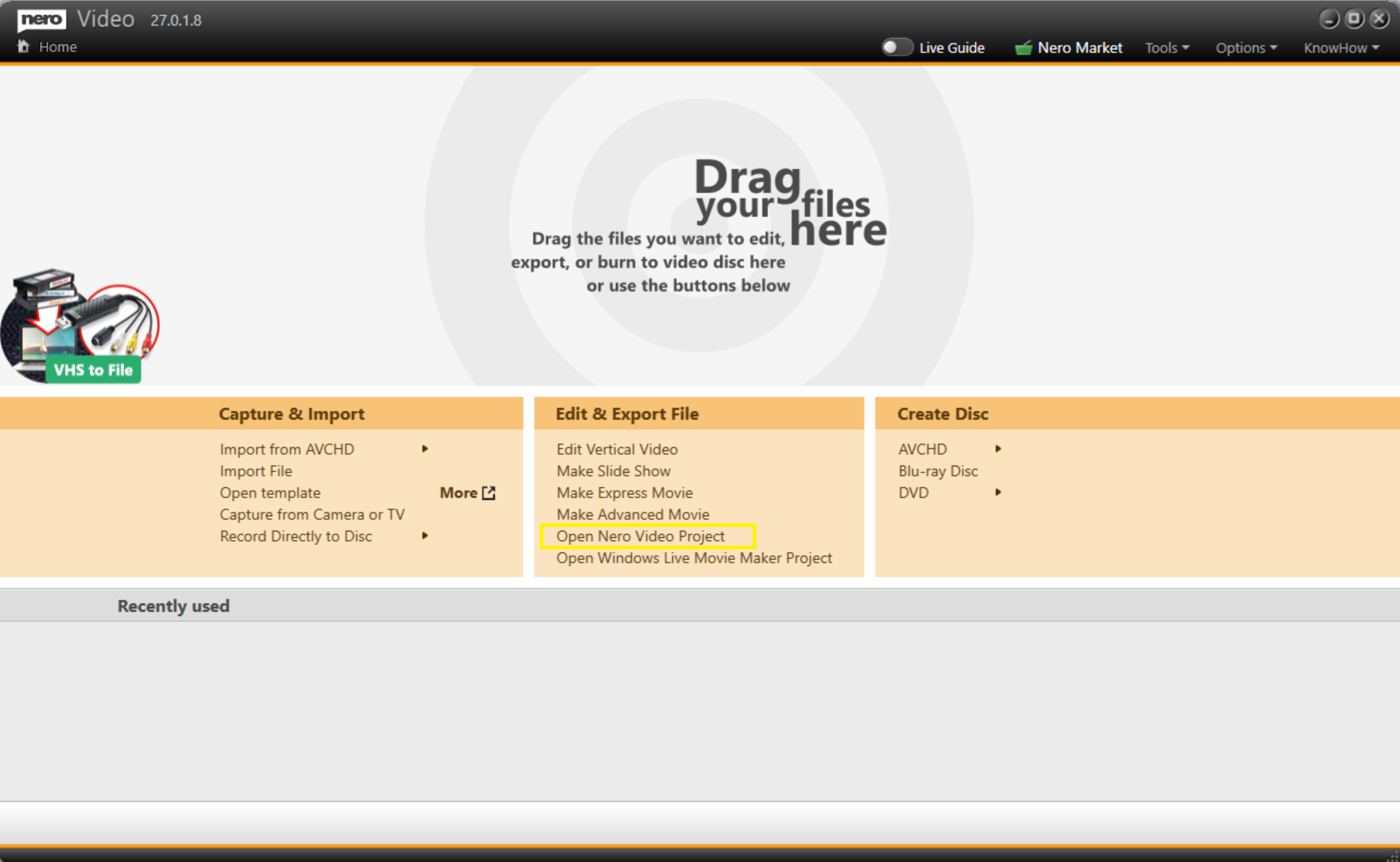
If you have an unfinished project on your old computer and need to transfer it to a new computer for further editing in Nero Video, follow these steps:
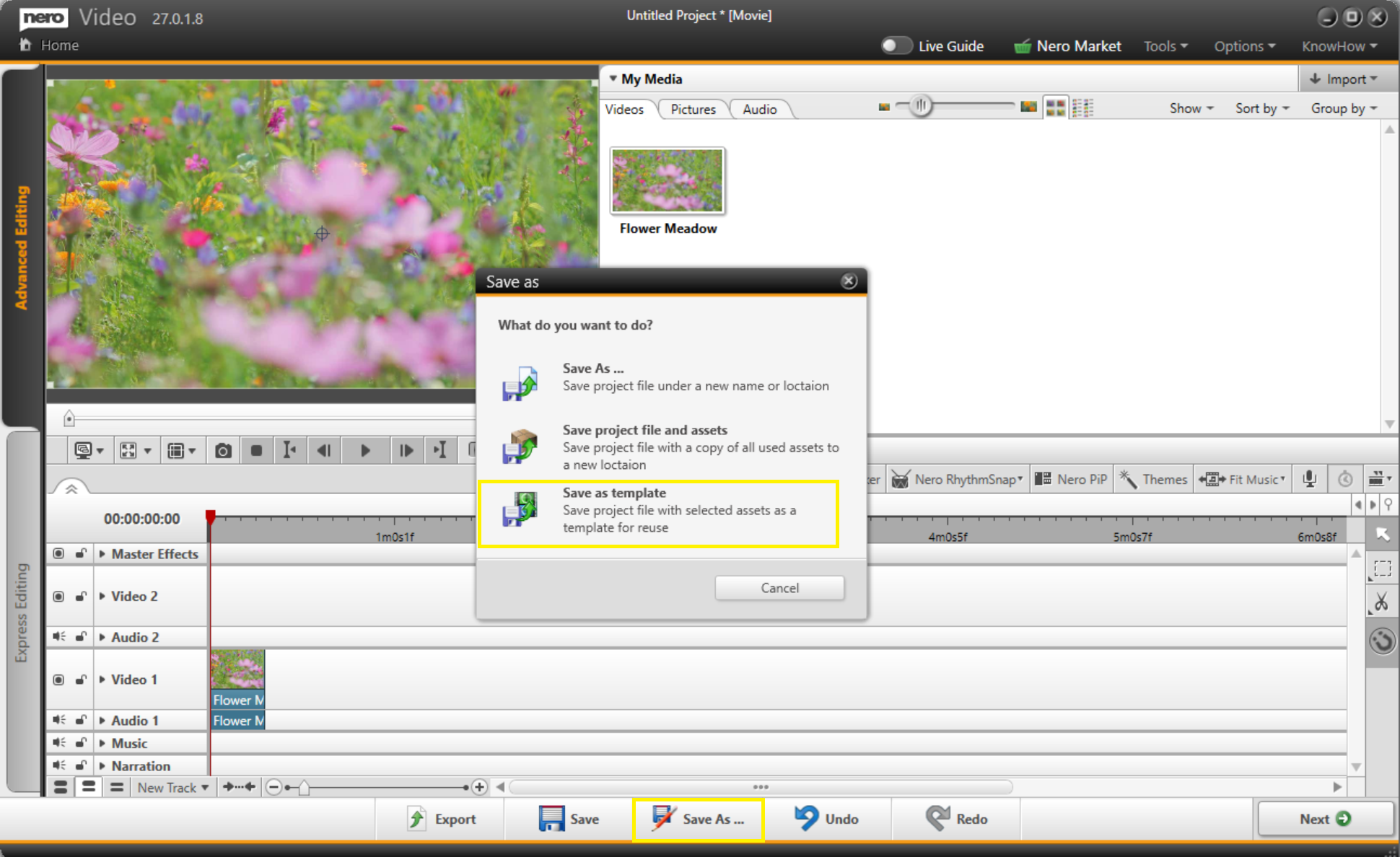
1.On the old computer, open Nero Video and load your project. Click "Save As" > "Save Project File and Assets". This will bundle the project file together with all its linked source files into a single folder.
2.Copy the entire folder to your new computer (e.g. via a USB drive, network transfer, or cloud storage).
3.On the new computer, open Nero Video, click "Open Nero Video Project", then browse to locate the project and source files to continue editing.