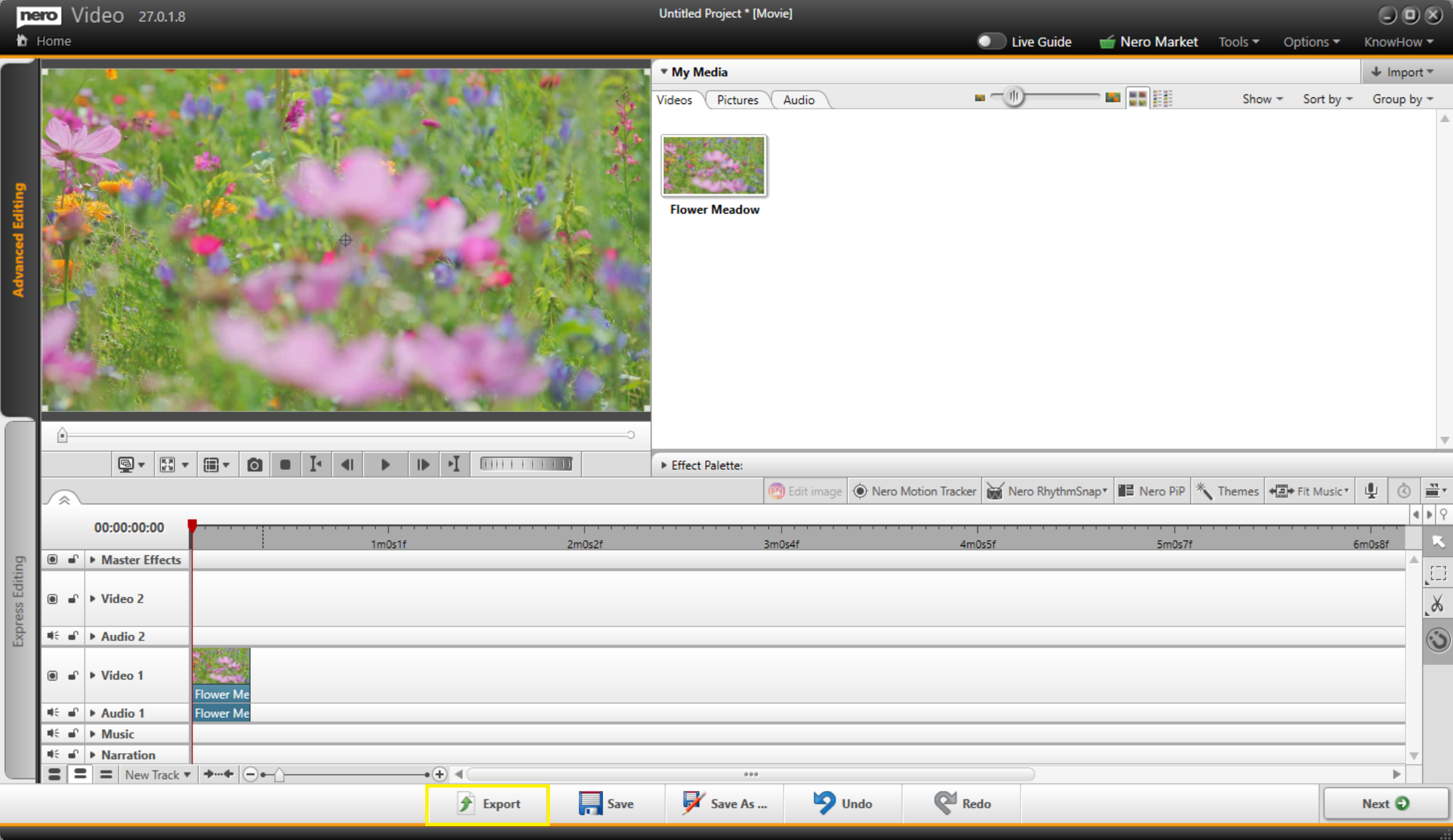
Files with the .nvc extension are Nero Video project files, NOT finished videos. They contain editing instructions and links to your source media, and can only be opened in Nero Video.
To get a standard video file (like MP4) from your project:
1. Open Nero Video.
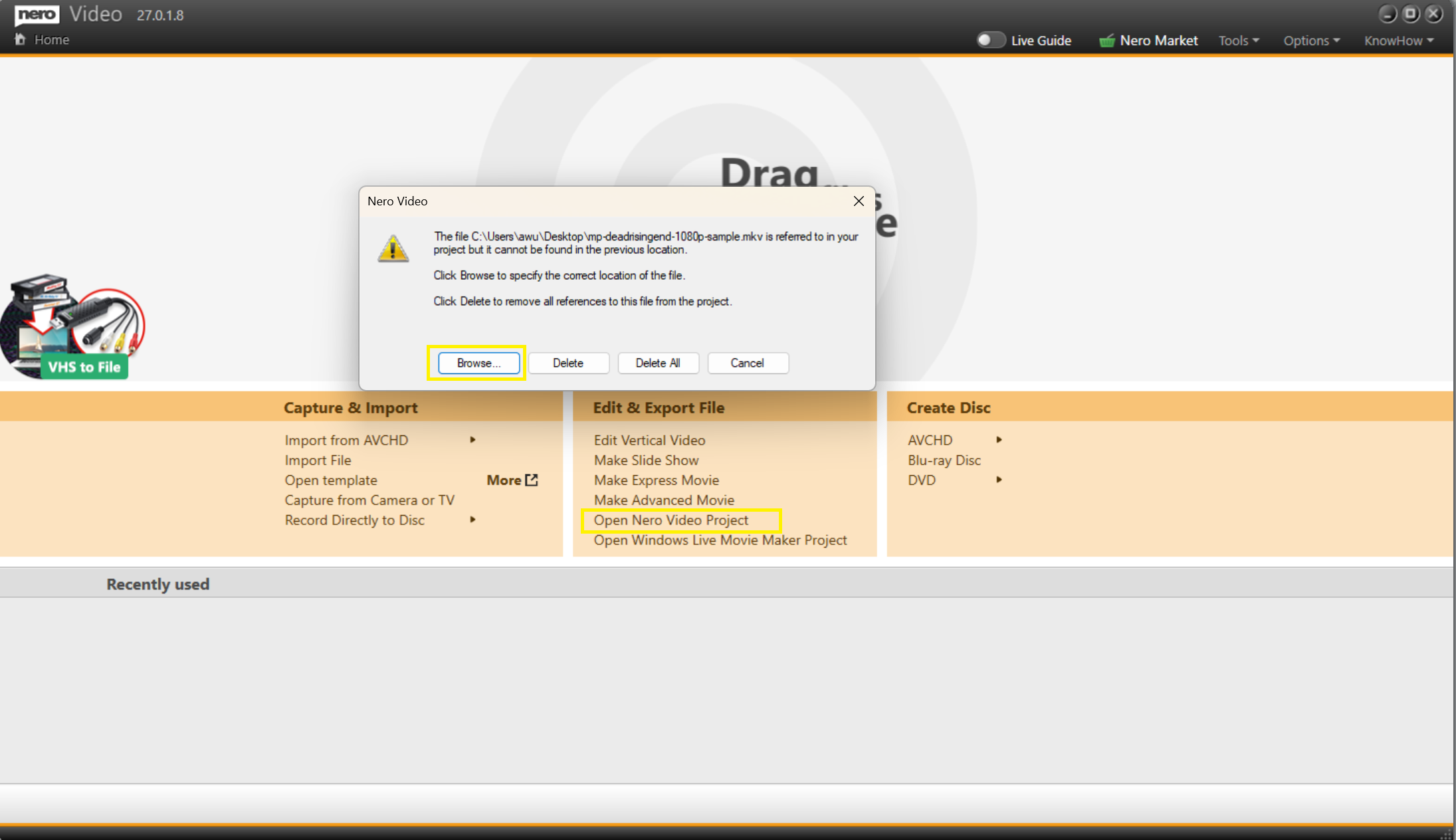
2. Click "Open Nero Video Project".
3. Browse to and select your .nvc file and the source media files if they are not automatically linked.
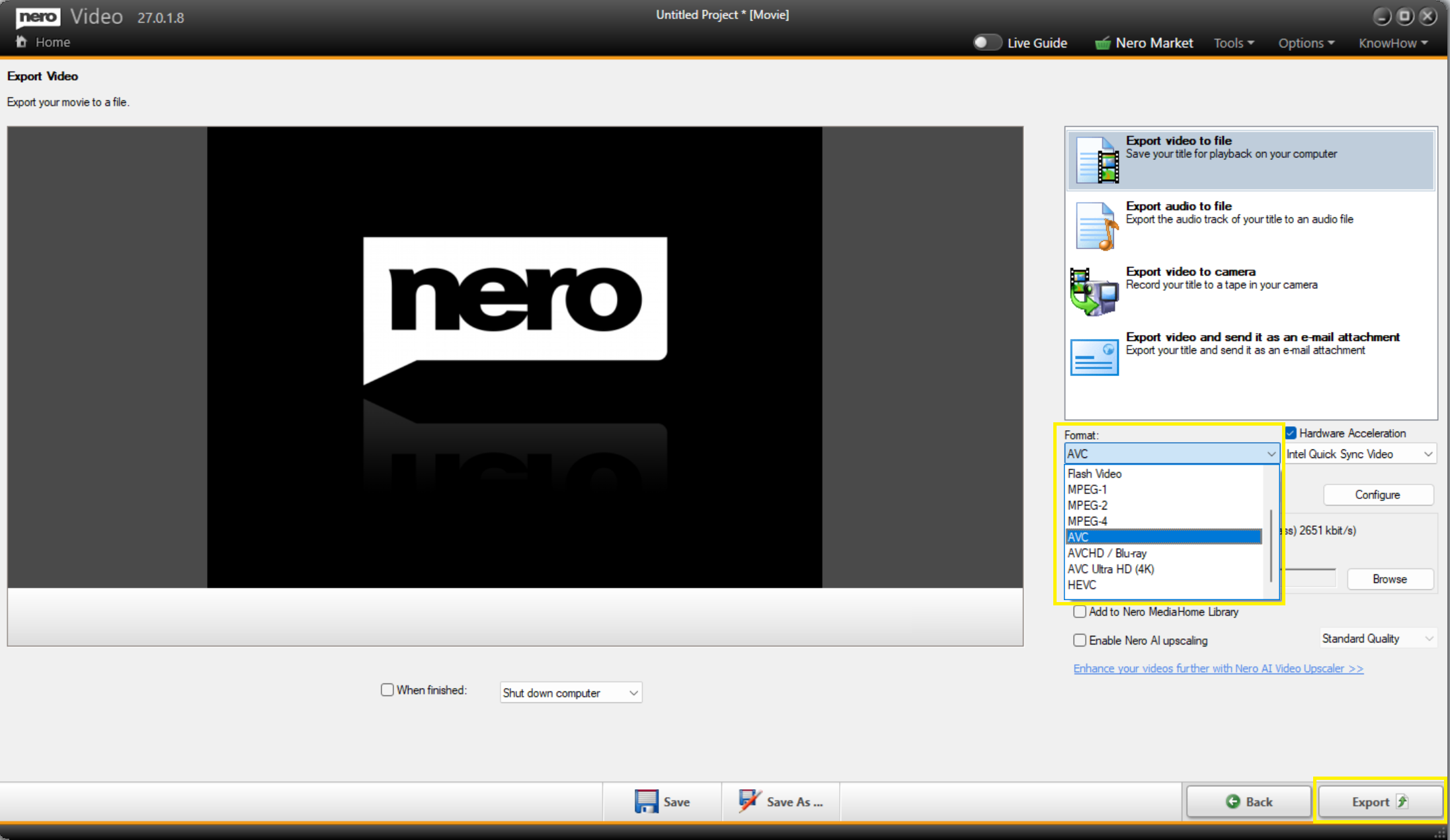
4. Once your project is fully loaded, click Export to Export screen.
5. Choose your desired output format (e.g., MP4, MPG, MKV) and settings, then start the export.
Your exported video will be a regular file that can be played, shared, or edited in any compatible software.