You can reuse text formatting in two ways:
Method 1: Save and apply a style
1. Select the text box that has the formatting you want to reuse.
2. Click the Save Style button.
3. Give your style a name and save it.
4. Select the target text, then choose your saved style from the Font list to apply all settings instantly.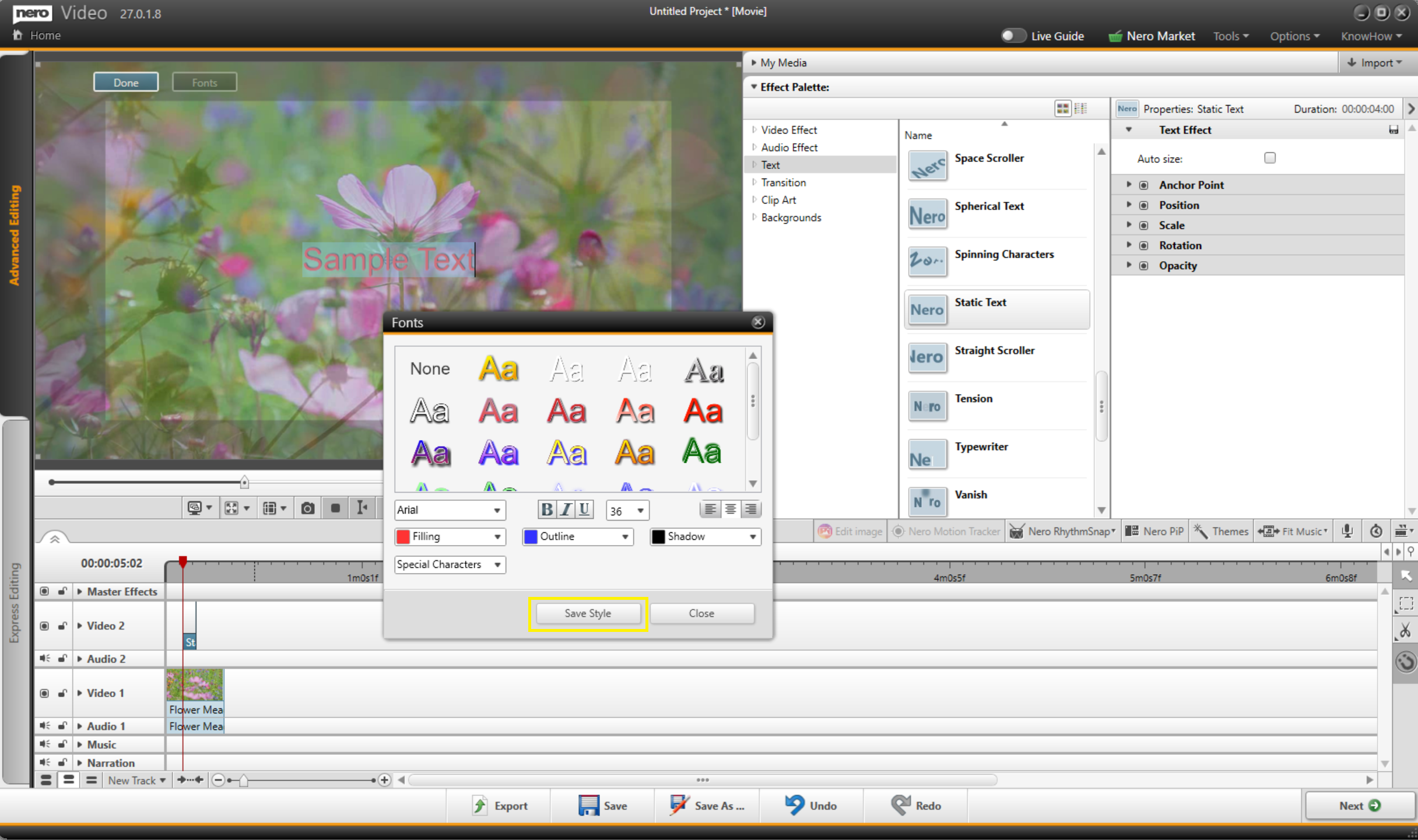
Method 2: Copy and paste formatting
1. Select the formatted text you want to copy.
2. Press Ctrl+C to copy.
3. Click on the timeline where you want the new text to appear, or move the playhead to that position.
4. Press Ctrl+V to paste.
5. Edit the text content as needed — the formatting (font, size, color, etc.) will remain in place.





