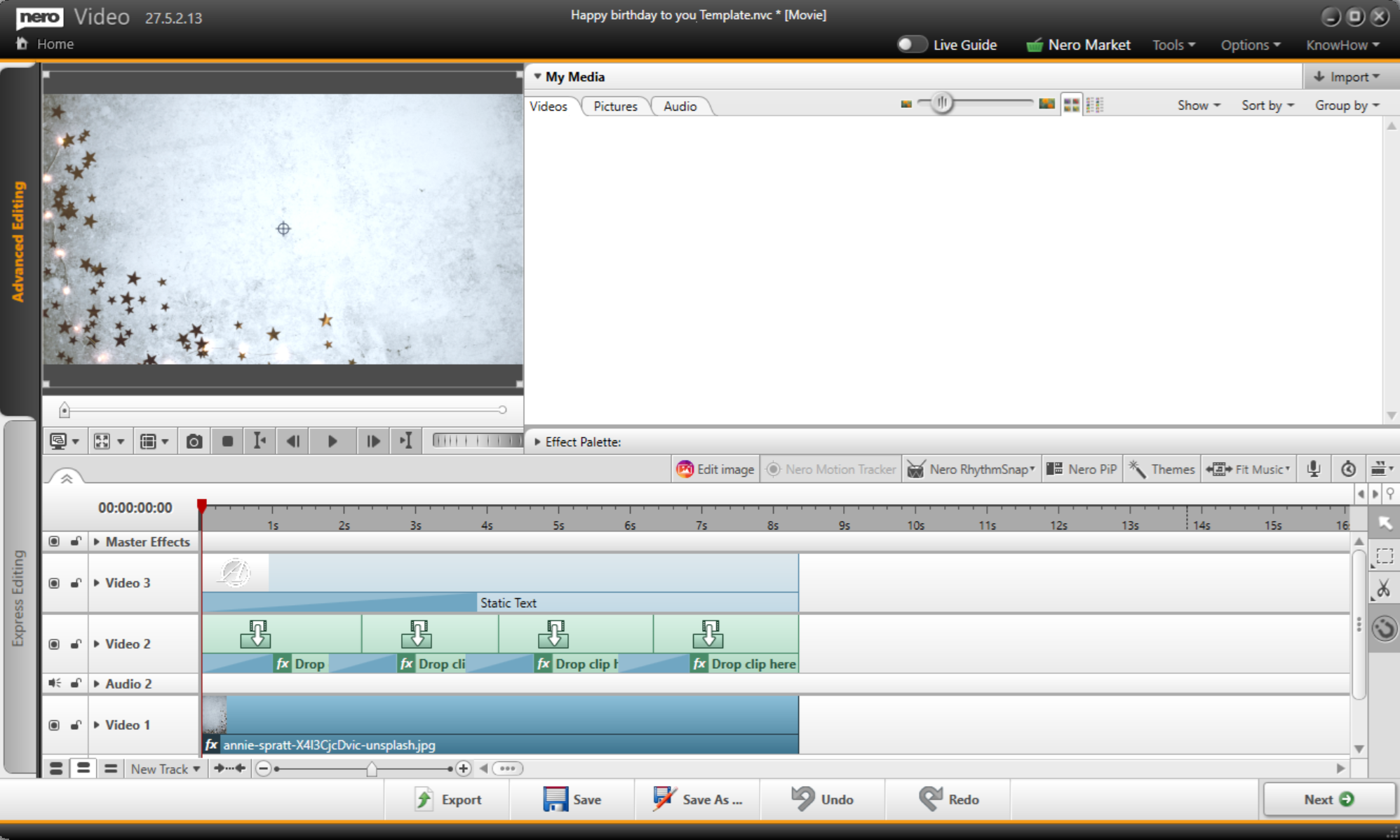
Nero Video now offers templates for weddings, birthdays, and more!
To download a template:
1. Open Nero Video.
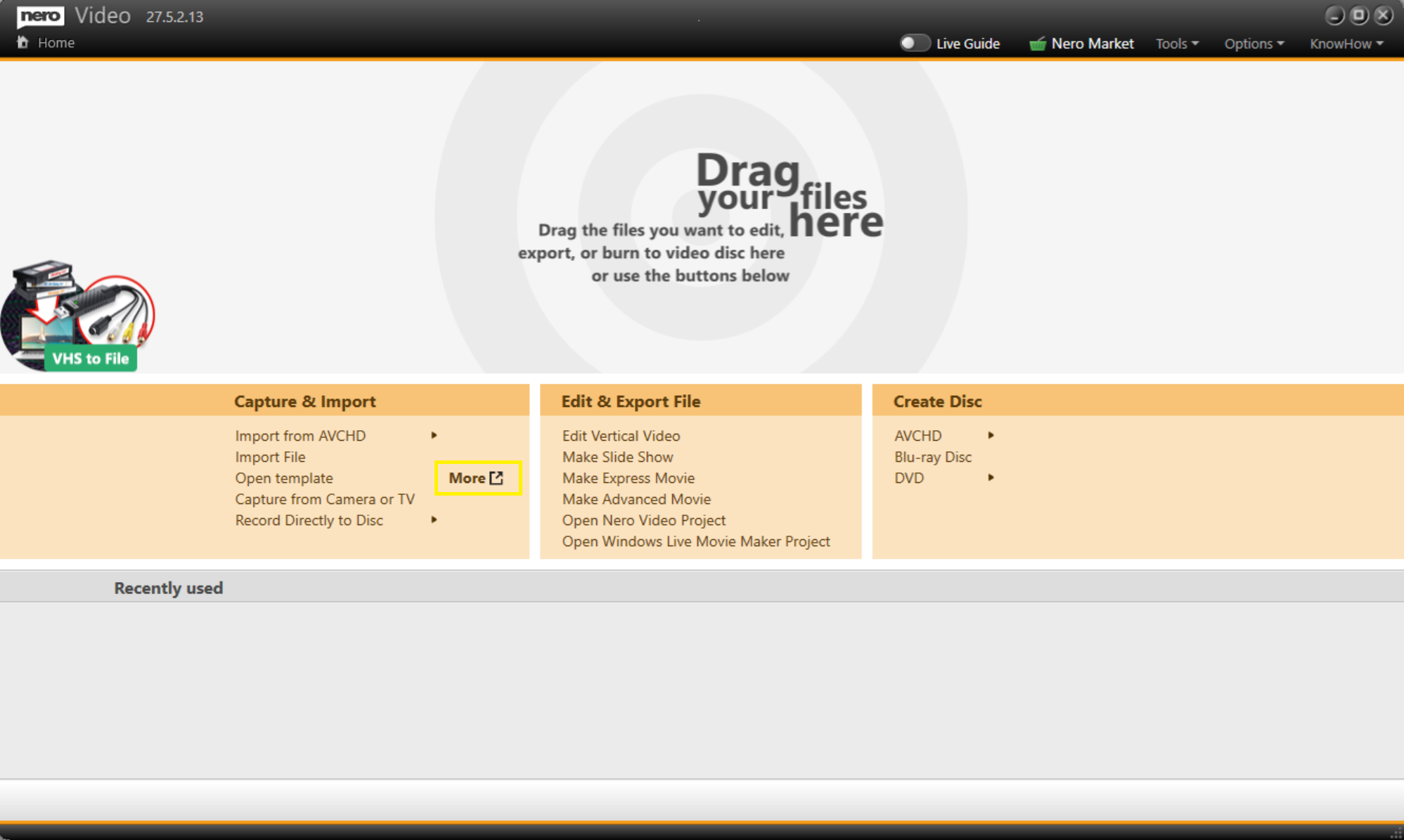
2. On the Home page, click "More". This will open the template website in your browser.
3. Browse and download your preferred template file (.nvt).

To use the template:
1. In Nero Video, click "Open Template".
2. Browse to and select the downloaded .nvt file.
3. Drag your own video clips or photos onto the placeholder areas in the timeline.
4. The template will adapt to your media, and your project will be ready to edit further or export.