I downloaded the app from the Microsoft Store and purchased a subscription within the app, but why isn't it activated?
Modified on: Thu, 27 Aug, 2026 at 10:20 AM
Windows Store is the 3rd party game and software sales platform of the company Microsoft. The orders are managed by Microsoft. Nero Support is unable to handle the orders of Windows Store.
1. First please make sure you installed app are from Microsoft Store, like Nero CD Ripper, DVD CD Blu-ray Burner - Nero Express,DVD CD Blu-ray Burner - Nero Burning ROM,DVD CD Blu-ray Burner - Nero Burning ROM PRO, etc.
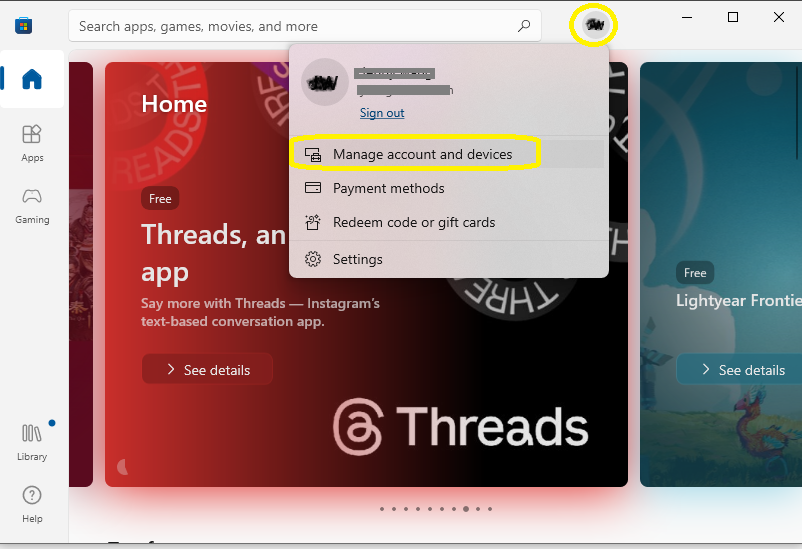
2. Please make sure you have login your purchased account in Microsoft Store.
3. Please check again your orders are valid in Microsoft Store:
4. Sometimes, due to network issues, there may be a delay in Windows Store activation and synchronization. Please restart the app later and try again.
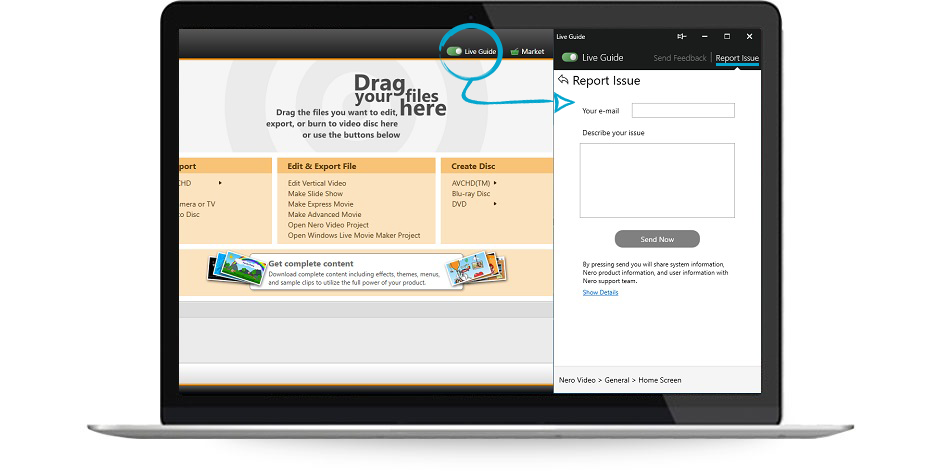
5. If the problem still exists, please contact us again and send some screenshots to help us locate your problem more quickly.
Did you find it helpful?
Yes
No
Send feedback Sorry we couldn't be helpful. Help us improve this article with your feedback.